
 Raseed
 Business, the phone app for your agents
Your agents' day,on their phones.
In testingRaseed Business is the phone app for everyone who works for your shop: your recovery agents collect at the door with no signal, and you see your shop's day from home. It is in testing and not on Google Play yet; until it is, agents collect on paper receipt books, keyed at your counter the same day.
Last changed on 1 November 2026.
- Joining: the agent types the six digits from the shop's computer. His phone waits until someone at that computer presses Allow, and then he is in.
- Synced: Today shows his list and the next client. He presses Collect, saves the receipt himself, and the phone shows it reached the shop's computer.
- No signal: the same round still works. The receipt is saved on his phone and waits there until it has signal.
- Paused: the shop paused his phone app, so his list is hidden. What he collected can still be sent.
- Signed out: the phone asks him to log in with his Raseed account.
- Behind it are two more screens: the owner's Home with the day's collections, and the agent's clients.
Illustration with sample data.
On this page
Raseed Business
in testing
It is not on Google Play yet.
01 of 12
In short

 1
One app for everyone who works for your shop, each person seeing what their role allows. Android phones, Android 8 or newer.

 2
Your agent records collections, visits and promises at the door, with no signal, and his phone numbers each receipt itself.

 3
His work reaches your shop's computer by the shortest road it finds: your shop's Wi-Fi, a direct link over the internet, or our sealed mailbox.

 4
Your shop's computer stays the source of truth: a collection pays the client's bill when it arrives there.

 5
Our cloud never reads your clients, your collections or where your phones are.

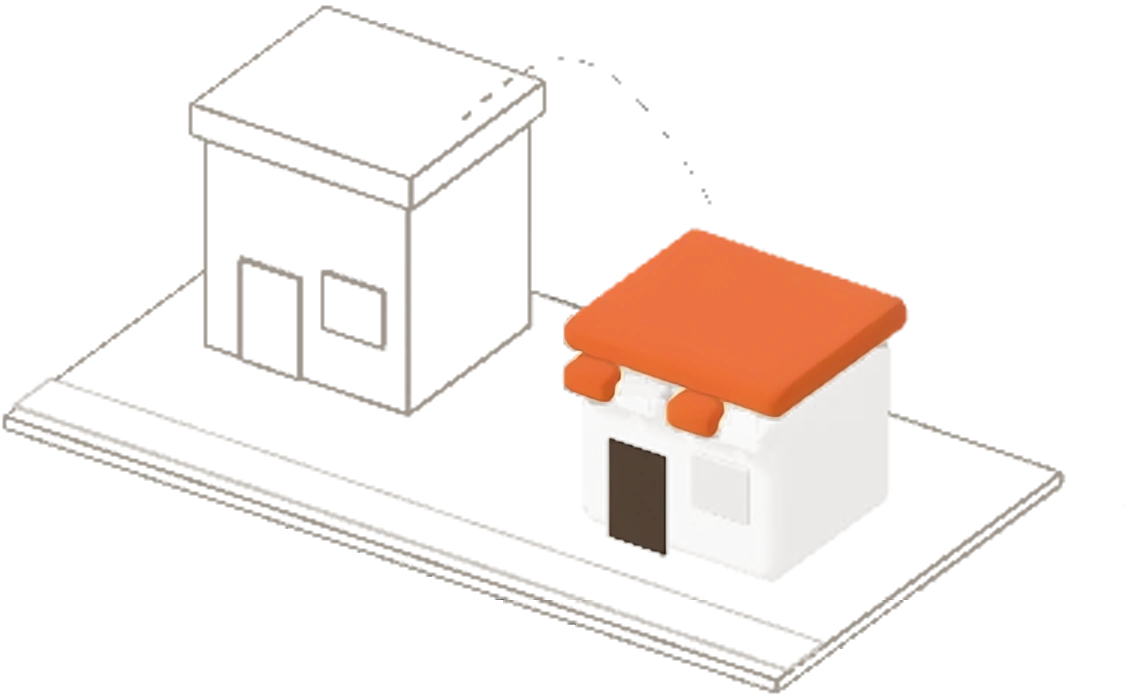 6
Raseed Business is in testing: it is not on Google Play yet.
02 of 12
Before the first day
Each phone is let in once at your counter, and your computer always asks you first.
- The phone scans the code on the shop's computer, at the counter.
- The computer asks the owner first.
- The phone is let in once, and only then does his list reach it.
- 1
Each person makes their own Raseed account on their own phone, with their mobile number and a password, and sets a PIN that never leaves the phone.
- 2
You give a person the phone app on your branch's main computer: Users, then the person, then Phone app. They join your shop with the code or the QR code it shows, and your computer always asks you first.
- 3
Each phone is let in once at your counter, by scanning the QR code your computer shows, on your shop's Wi-Fi, before any of your shop's information reaches it.
- 4
If your internet is down that morning, a new agent can still join on your shop's Wi-Fi by scanning the QR code. Our cloud hears of it when the internet is back.
03 of 12
An agent's day
His whole day is on his phone, with signal or without.

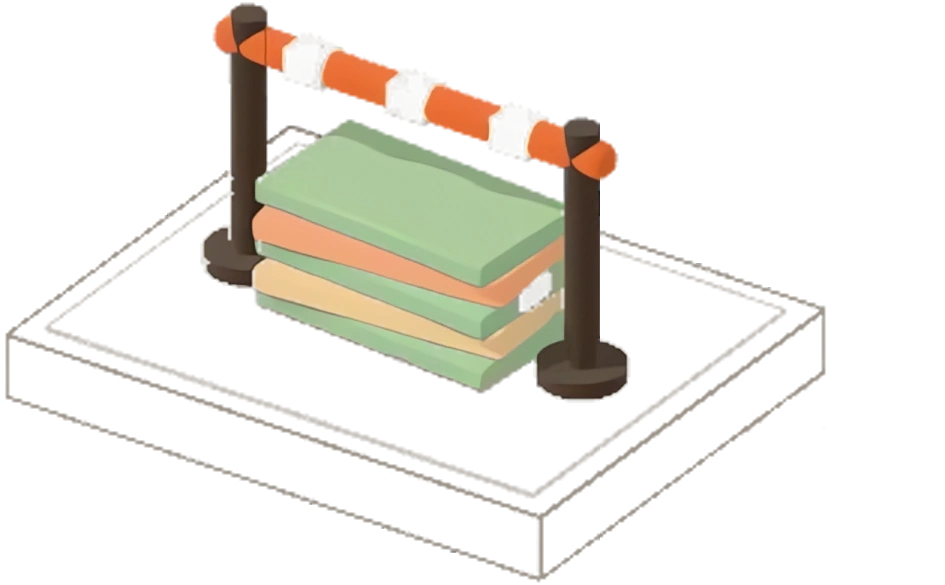
His phone shows him the cash he is carrying.
Illustration with sample data.
- In the morning his phone has his list.
- At a door he presses Collect.
- The phone gives the receipt its own number.
- Nobody home: he records a visit.
- The clients are ticked off one by one, with no signal.
- His phone shows the cash he is carrying.
In the morning his phone gets his list from your shop's computer: the clients he should visit today, in walking order, and every other client in his areas.
At a client's door he opens the client, taps Collect (what they owe is filled in) and saves: cash, or JazzCash, Easypaisa or a bank transfer with its transaction ID.
His phone gives the receipt its own number, such as P1-000001, with no gaps, even with no signal.
Not home, refused, or "pay on Friday": he records the visit, or a promise with its day and amount.
A client who isn't on his phone can still pay him: the payment is matched to the right client at your counter later.
A wrong entry is cancelled on the phone, and the cancelled receipt stays in the record.
- With no signal, his list keeps working day after day.
- After the days you set it hides.
- When the phone reaches the shop again, the list is back and everything he collected lands.
04 of 12
With no signal
Nothing at the door needs the internet.
Nothing at the door needs the internet. The phone saves each collection, visit and promise, sealed so that only your own devices can open it, and sends it when it next finds a road.
His list keeps working for 7 days without reaching your shop's computer (you can set 1 to 30 days). After that it hides until his phone reaches the shop again; what he collected can always be sent.
Signing out, a forgotten PIN or removed access never deletes a collection his phone hasn't handed over: its sealed copy stays until your shop's computer confirms it has it.
05 of 12
Three roads to your shop's computer
The connection ladder
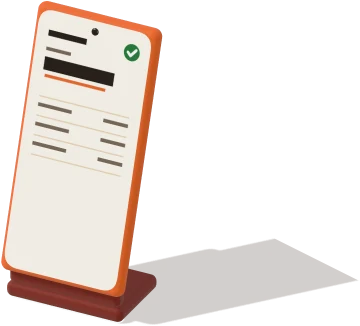
Your shop's Wi-Fi
Straight to the shop computer. No internet used.
Direct link
Over the internet, live. Our cloud only introduces the two.
Sealed mailbox
Our cloud keeps sealed envelopes it can't open, until the shop computer is on.
With Raseed Business, in testing: your phones always take the shortest safe road home. Illustration with sample data.
| Road | What our cloud sees |
|---|---|
| Your shop's Wi-Fi | nothing |
| Direct link | who asked to reach whom and their network addresses, for a minute; for some connections our relay server passes encrypted bytes it can't read |
| Sealed mailbox | sealed envelopes and their address labels, until they are picked up |
In the shop: Your shop's Wi-Fi.
- On your shop's Wi-Fi, the phone talks straight to the shop computer; our cloud sees nothing.
- Away from the shop, while the app is open and the shop computer is on, they connect directly over the internet; our cloud only introduces them, and when a network won't let them connect directly, our relay server carries their encrypted bytes.
- When the shop computer is off, or the app is closed, the phone seals its work and leaves it in our mailbox; the computer picks it up when it is on, and our cloud sees only the address label.
Your shop's Wi-Fi
In the shop, the phone talks straight to your shop's main computer. No internet is used and our cloud sees nothing.
It needs: the phone on your shop's Wi-Fi, the main computer on with Raseed open (it can wait in the tray), and Phones on the shop's Wi-Fi turned on by you or a Partner.
Direct link
Away from the shop, the phone reaches your shop's computer over the internet in seconds. Our cloud only introduces the two; when a network won't let them connect directly, our relay server carries their encrypted bytes, which it can't read.
It needs: Raseed Business open on the phone, the internet on both, and your shop's computer on.
Sealed mailbox
When the direct link can't help, because your shop's computer is off or the app is closed, the phone leaves its work in our sealed mailbox while it has signal, even in his pocket. Your computer picks it up when it is next on, and its answer comes back sealed for that phone alone.
We delete each envelope once it is picked up, and after 30 days at most. It needs: signal on the phone, and your computer on at some point.
Nothing reaches your shop's computer while it is off; the phones keep everything safely until it is on.
The keys that seal the mailbox were checked once at your counter, so even someone inside our cloud can't read or swap them.
06 of 12
The client's receipt
He sends it from his own phone, and he presses Send. If you switch it on, he prints a paper slip too.
The agent sends the receipt from his own phone, on WhatsApp or by SMS: the message is written for him, and he presses Send.
If you switch it on for him, he can also print a paper slip on a 58 mm Bluetooth receipt printer he carries, in Urdu or English. A second print says DUPLICATE.
Illustration with sample data.
- The agent presses Send on his own phone and the message goes to the client.
- If you switch it on, a printer he carries prints a paper slip.
- A second print says DUPLICATE.
07 of 12
The evening handover
He walks in, his receipts arrive by themselves, and nobody types them.
- He walks into the shop and his phone sends his receipts over the Wi-Fi.
- His cash is counted into the drawer.
- He confirms the handover on his phone.
Bilal · Phone receipts
Not received yet| P1-000001 | Ayesha Raza | Rs 2,500 |
| P1-000002 | Imran Ali | Rs 3,500 |
| P1-000003 | Sana Tariq | Rs 2,500 |

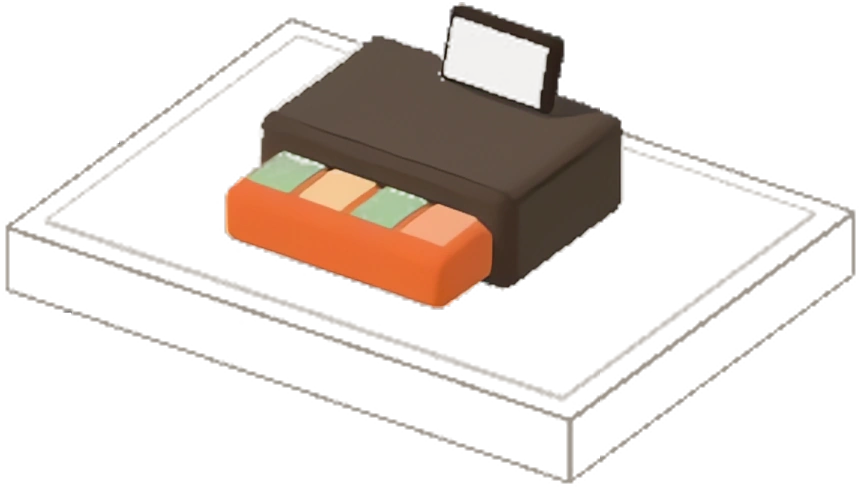
Illustration with sample data.
- 1
When he walks into the shop, his phone sends anything that hasn't arrived yet over your Wi-Fi, in seconds.
- 2
Your cashier sees his phone receipts listed one by one, counts his cash blind as today and presses Receive. Nobody types his receipts.
- 3
He confirms the handover on his phone instead of signing a slip, and can claim his petrol and show cash he already sent to your shop's account.
08 of 12
When something goes wrong
Illustration with sample data.
- A lost phone is stopped; when it turns up, its sealed copies land without paying anyone twice.
- An agent is switched off, and what his phone collected still comes in.
- A computer restored from a backup gets again whatever it lost from the phones.
- When a plan runs out, a lock stops new collections, and what was collected still lands.
A lost phoneStop it from your computer. Nobody pays twice.
An agent who leavesSwitch him off. What he collected still comes in.
Your computer restoredThe phones send again whatever it lost.
A plan that ran outNo new collection. What was collected still lands.
A lost phone: stop it from your computer, and key its receipts at the handover from the clients' copies. If it turns up, its sealed copies land without paying anyone twice.
An agent who leaves: switch him off, and whatever his phone collected still comes in; anything collected after he was switched off is flagged.
Your computer restored from a backup: the phones send again whatever it lost, and keep working without a new scan.
A plan that ran out: the phones take no new collection, and what they already collected still lands.
09 of 12
Your phone, and your supervisor's
You see your shop's day and do its work on your own phone, with no signal. Your computer does it when your phone next reaches it.
On your own phone you see your shop's day (collected at the counter and by your agents, handed over, cash still with each agent, and the flags to look at) and do its work: take a payment, record an expense with a photo of the slip, add a client, renew, cut or close a line, record a purchase, tick a flag off, resolve a support ticket, plan your calendar and add an agent. It all works with no signal, and your shop's computer does each thing when your phone next reaches it, as if you had done it there.
Your phone keeps a copy of your shop's clients (their names, mobile numbers, addresses, CNICs and what they owe), locked under your phone's PIN. It is removed when your access ends, when you sign out or when the phone is stopped. Only the owner's phone keeps it: your staff's phones see only their own work, an agent his own list and a supervisor his agents' days.
Your phone is let in once at your shop's computer, like every phone: Users, then your name, then Phone app, then Let my phone in.
From home it stays fresh: over the direct link while the app is open, and through the sealed mailbox while your shop's computer is on.
A recovery supervisor sees his agents' days on his phone, never the cash they carry.
Illustration with sample data.
- The owner sees the shop's day at home.
- Something done on the phone waits there.
- When the phone reaches the shop's computer the computer does it, as if the owner had done it there.
10 of 12
Where agents are, if you turn it on
Off until you turn it on. Then each phone shows a notice the whole time: nothing is hidden.
Illustration with sample data.
- Each phone shows a notice the whole time it records where it is.
- Positions go sealed to your shop's computer, and our cloud can't read them on the way.
- Someone who refuses location shows as off on your map.
It is off until you turn on Where agents are on your branch's main computer, after reading its notice.
Then each phone of your staff records where it is, all the time, while the person has your shop's phone app, and shows a notice the whole time it does. Nothing is hidden.
Everyone is told before they join your shop, and someone who already works for you sees the notice before anything starts. A person can refuse location on their phone: their work goes on, and your map says it's off.
While another shop is open on the phone, your map has a gap: you never see where they work for someone else.
Positions go only to your shop's main computer, sealed on the way, and are kept there 90 days, then deleted. Our cloud never sees one.
You, your Partners, your Managers and your recovery supervisor see them on a map on that computer, drawn there from Raseed's own map files, made from OpenStreetMap: no map service learns anything, and nothing the map shows goes over the internet.
Google Play tells everyone who installs Raseed Business that it is a monitoring app. It also costs battery: a cheap phone's battery saver may stop it, and your map then shows a gap.
11 of 12
How many phones, and the price
A phone beyond your plan's places is never turned away: each one is Rs 300 a month, added when Softapplic records your next payment.
- Each plan includes phones: Starter 2, Business 10, Enterprise as many as you need.
- Every phone that opens your shop takes a place, your own included.
- The three roads cost nothing extra.
12 of 12
What Softapplic sees
Your clients, collections, cash and where your phones are never reach our cloud in a form we can read. On your Wi-Fi nothing passes through it; for a direct link it only introduces the two devices; in the mailbox it keeps sealed envelopes and their address labels until they are picked up.
What we keep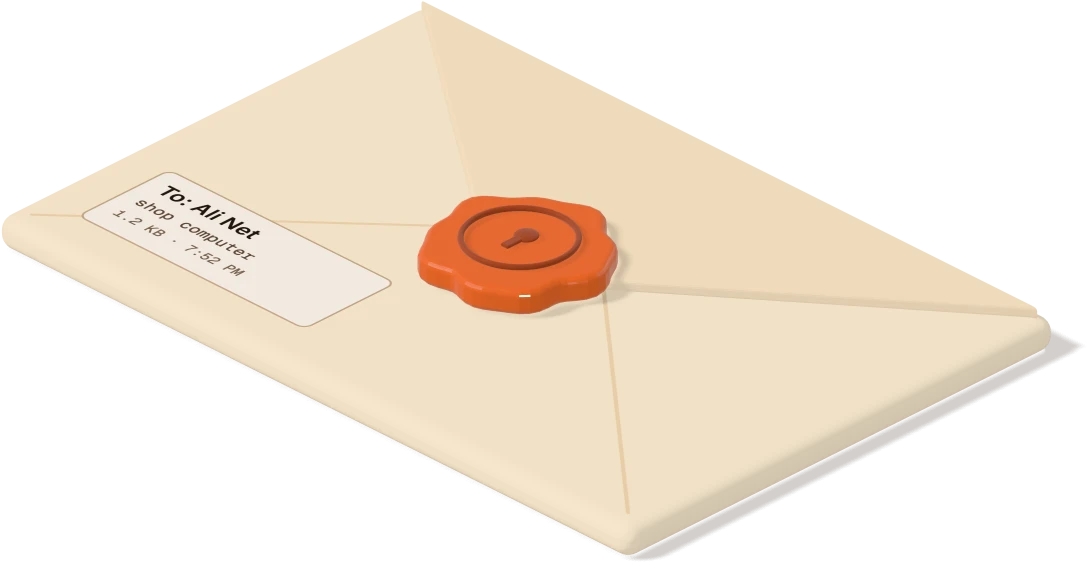
See it run with the internet switched off.
Book a demo and watch Raseed keep billing with the internet switched off. We'll show you your kind of counter, in English or Urdu.